
Unleash the Music
Download the App!


Enhance your reading experience with a magical companion app.
The Wild Symphony app is an augmented reality experience that takes you on an exciting musical adventure with Maestro Mouse and his symphonic friends!
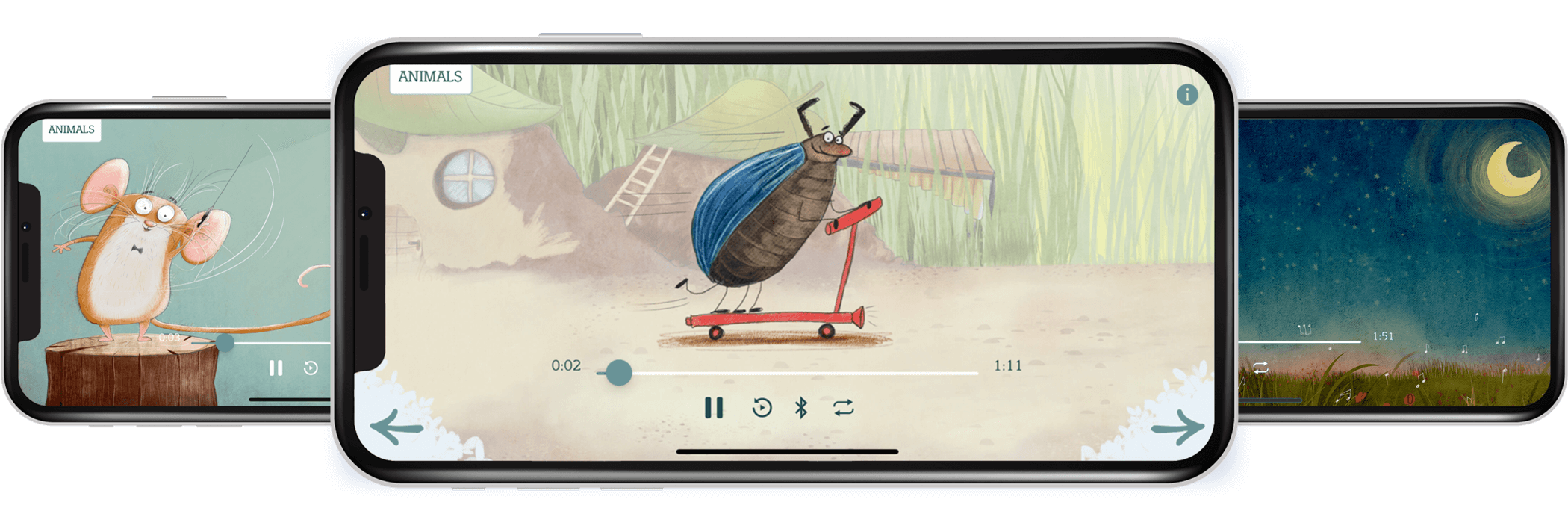

Wild Symphony is designed for imaginative children of all ages.
Just download the app and point it at any illustration in the picture book, and you’ll hear the corresponding song. Travel through the trees and across the seas as you listen to orchestral music inspired by big blue whales and speedy cheetahs, tiny beetles and graceful swans.
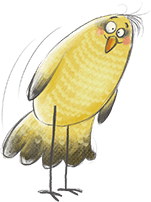
Allows readers to listen to the picture book’s musical accompaniment.
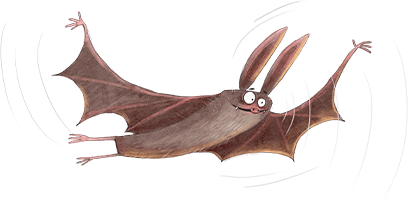
Plays audio recordings of orchestral music composed by author Dan Brown
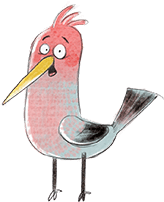
Features beautiful illustrations from artist Susan Batori
Bring an exciting, fresh dynamic to the picture book with this intuitive AR app, which adds a playful soundtrack and encourages renewed love and appreciation of music.
App Support
Below, please find suggestions for how you can trouble-shoot the most commonly-encountered issues.
Illustrations will display on-screen that correspond to the song you’re listening to! If you’re having trouble getting your phone to recognize a page, try it from a different height, angle, or closeness.
• iPhone users: Open Settings. Select the Wild Symphony app. You’ll see a prompt that reads “Allow WildSymphony to Access:” Toggle Camera permission to “On.” It will turn green.
• Android users: Open Settings. Select Apps & Notifications. Select the Wild Symphony app. Select Permissions. Toggle Camera permissions “On.”
- Hold your phone 6 inches – 2 feet (15-90cms) away from the book
- Slowly scan the page with your phone.
- The song will automatically engage!
The Wild Symphony app uses augmented reality that is based on image recognition. In order to recognize the pages in the picture book, the app must be able to see them. Providing the app with access to your camera permits this interaction.
iPhone or iPad: iOS or iPadOS 16.4 or later. That means an iPhone 8, iPhone X, or newer (including any iPhone SE from 2020 onward).
Android phone or tablet: Android 8.0 (”Oreo”) or later. Most Android devices released in 2017 or later will work.
If you’re not sure what your device is running, see the next question.
iPhone or iPad: Open Settings → General → About and look for “Software Version.”
Android: Open Settings → About phone and look for “Android version.” (The exact wording can vary a little by phone brand.)
The Wild Symphony app needs iPhone or iPad software iOS 16.4 or later, or Android 8.0 or later. If your device is older than that, the App Store or Google Play Store won’t let you install the app. The app’s image recognition relies on newer camera technology that older devices aren’t able to run.
The good news: you don’t need the app to hear the music. The complete symphony is available on all major music streaming services — including Spotify, Apple Music, Amazon Music, YouTube Music, and Pandora. Just search for “Dan Brown: Wild Symphony” and you can play along as you read, one track per animal.
The magic of Wild Symphony comes from the app recognizing the pages of your book through your camera. Keeping that experience fast and reliable means using newer camera and audio technology, which older devices simply can’t support. We know that’s disappointing if you have an older phone, and we’re sorry for the inconvenience.
The good news: you don’t need the app to hear the music. The complete symphony is available on all major music streaming services — including Spotify, Apple Music, Amazon Music, YouTube Music, and Pandora. Just search for “Dan Brown: Wild Symphony” and you can play along as you read, one track per animal.
Your device probably just needs a software update. Being able to run iOS 16.4 or Android 8.0 isn’t the same as currently running it, so make sure your OS is up to date!
iPhone or iPad: Open Settings → General → Software Update and install anything available.
Android: Open Settings → System → Software update (wording varies by brand) and install anything available.
Once your device is updated, try downloading the app again.
Any iPhone from the iPhone 8 or iPhone X onward — that includes the XS, XR, and every iPhone 11, 12, 13, 14, 15, and 16 model, plus the iPhone SE (2020 and newer).
The iPhone 7, iPhone 6s, and the original iPhone SE can’t run iOS 16, so the app won’t work on them.
For iPad, you’ll need a model that can run iPadOS 16 — that rules out the iPad 5th generation and older, and the iPad mini 4.
Wild Symphony for Android is now available in the Google Play Store’s Designed For Families category. Download the app from the Play Store and re-install it. This will allow you to receive future updates.
The Wild Symphony app utilizes image recognition to recognize the page that you’re viewing and play the corresponding song. If you click the arrows to advance to a new song or select one from the Animals Box, that song will play. However, if your camera is still pointed at a previous page, the image recognition will kick in and that song will override your manual selection.
Yes! The full Wild Symphony recording, performed by the Zagreb Festival Orchestra, is available on all major music streaming services, including Spotify, Apple Music, Amazon Music, YouTube Music, and Pandora. Search for “Dan Brown: Wild Symphony.”
Each track matches an animal in the book, so you can read and listen together. You’ll miss the app’s hidden easter eggs and the magic of the pages playing themselves, but the music is all there.